Collections
Written By Outseeker
Last updated 10 months ago
The Collections feature lets you organize and track your outreach by creating individual lists of creators. Each collection gives you a clear overview of your progress, including which creators have been contacted, their responses, and whether follow-ups are needed.
🧭 Step 1: Access Collections
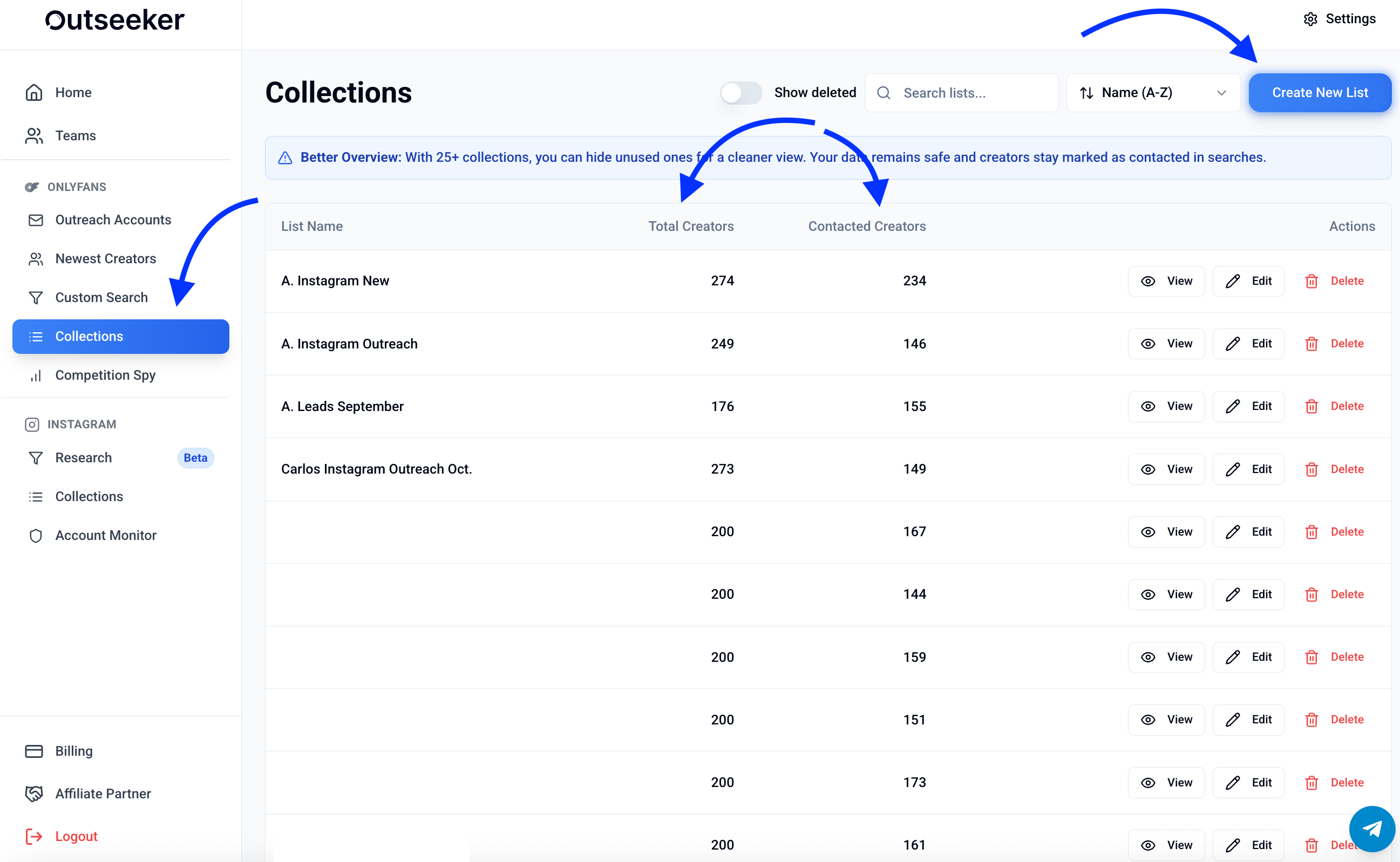
In the left sidebar, click Collections.
You’ll see an overview of all your lists, including:
List name
Total creators in the list
Contacted creators count
Create a new list by clicking Create New List in the top-right corner.
📋 Step 2: Inside a Collection
When you open a list, you can manage each creator entry. You’ll see:
Creator status → whether the account looks normal or flagged
Contacted → mark if the creator has already been contacted
Response → track if the response is Unknown, Interested, or Not Interested
Follow-ups → mark if further outreach is required
Actions → open the creator’s OnlyFans or Instagram profile, view more info, or remove them from the list
📊 Step 3: Manage and Optimize Lists
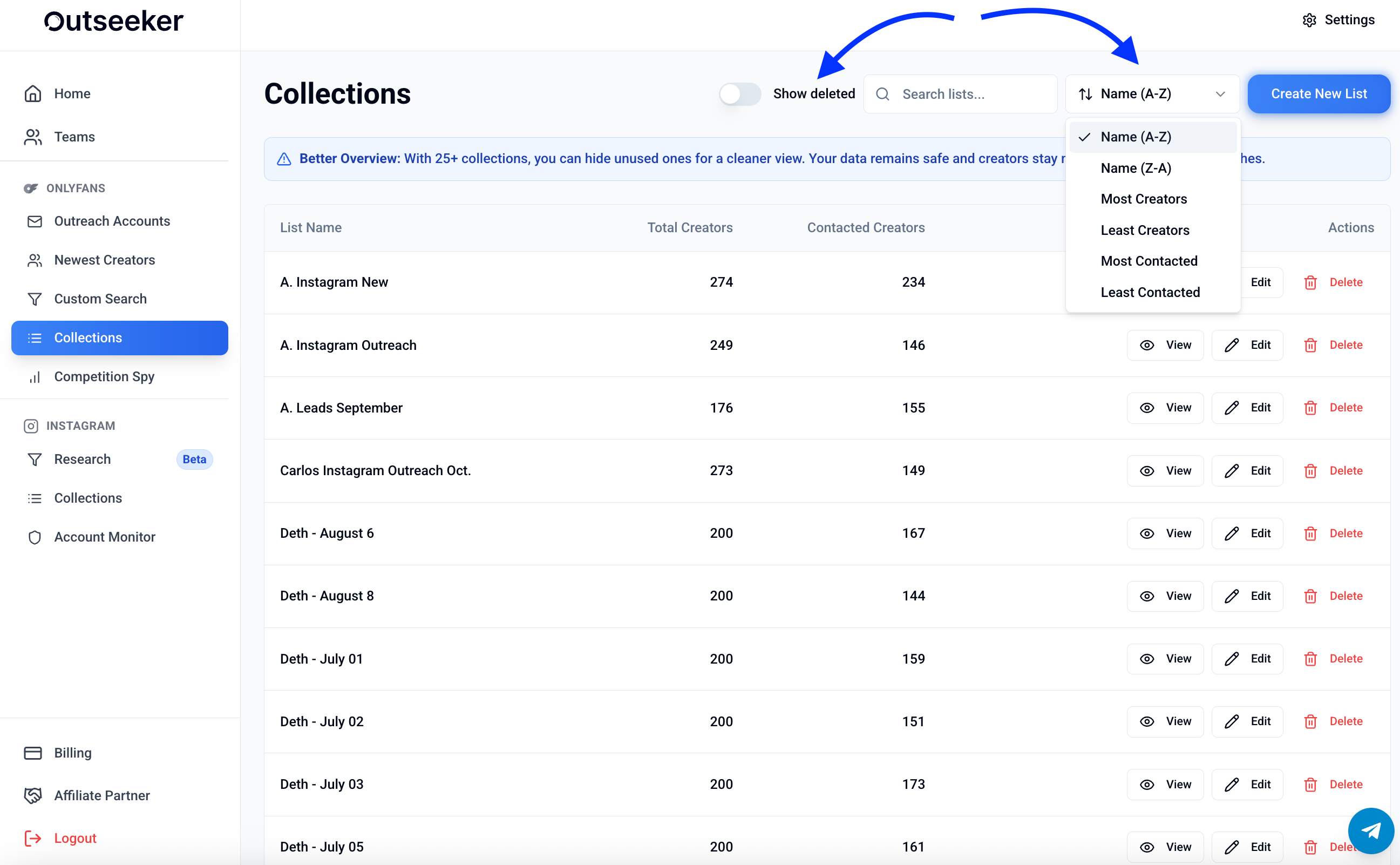
Use filters at the top (by name, contact status, or follow-up due) to focus on specific creators.
Hide unused lists once you have more than 25 collections for a cleaner overview.
If a list has more than 200+ creators, performance may slow down — consider splitting into multiple lists.
❓ Need Help?
For guidance on organizing your outreach lists, visit the Support Center or contact us directly from the bottom-right corner of your dashboard.