Custom Creator Search
The Custom Creator Search allows you to filter through the entire database of all creator profiles ever created on OnlyFans. This tool is ideal for advanced targeting when you want to go beyond the newest creators and discover highly specific profiles.
Written By Outseeker
Last updated 10 months ago
🔎 Step 1: Access Custom Search
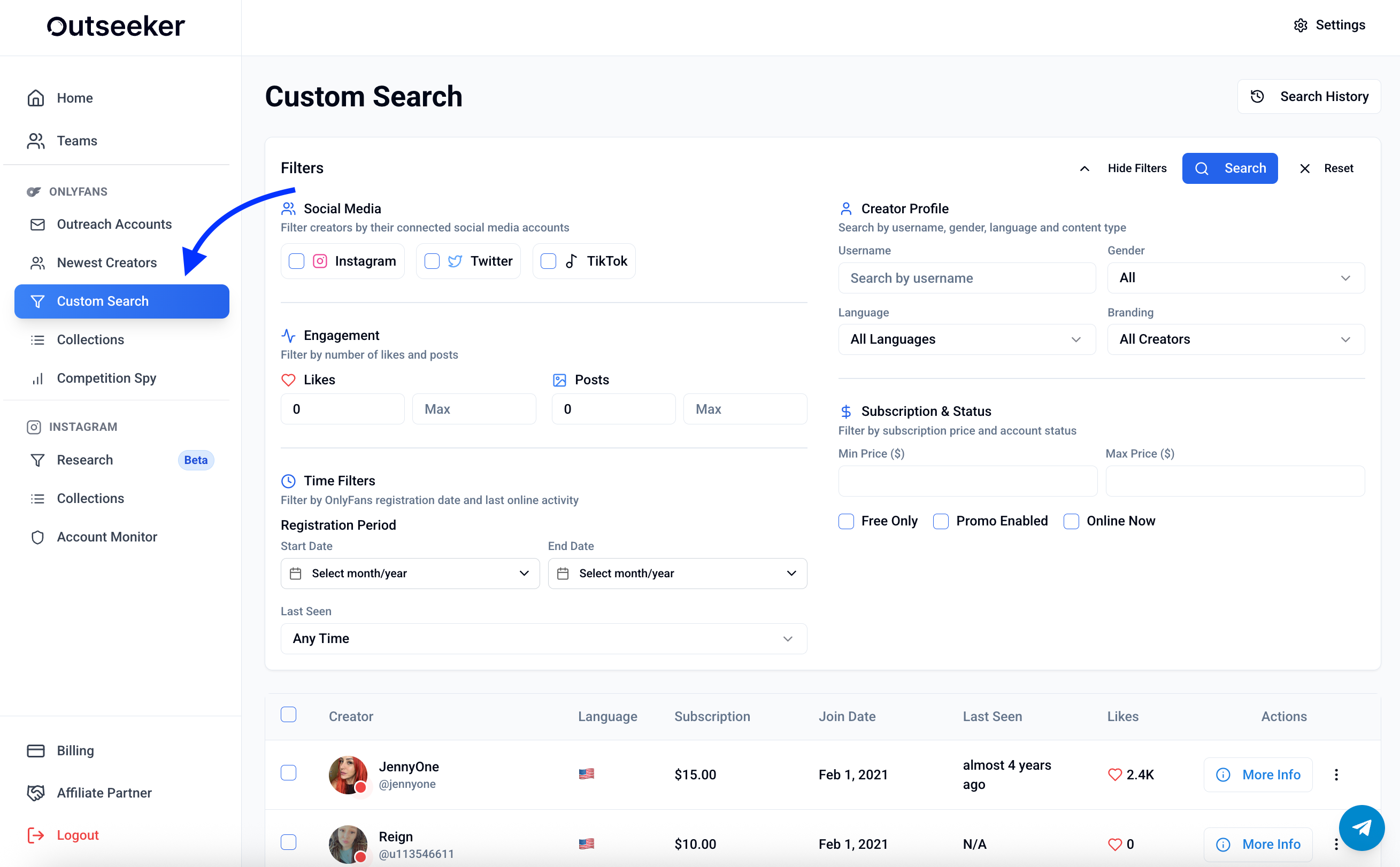
Click Custom Search from the left-hand menu.
Use the filter panel at the top to customize your search in detail.
📅 Step 2: Set a Custom Join Date Range
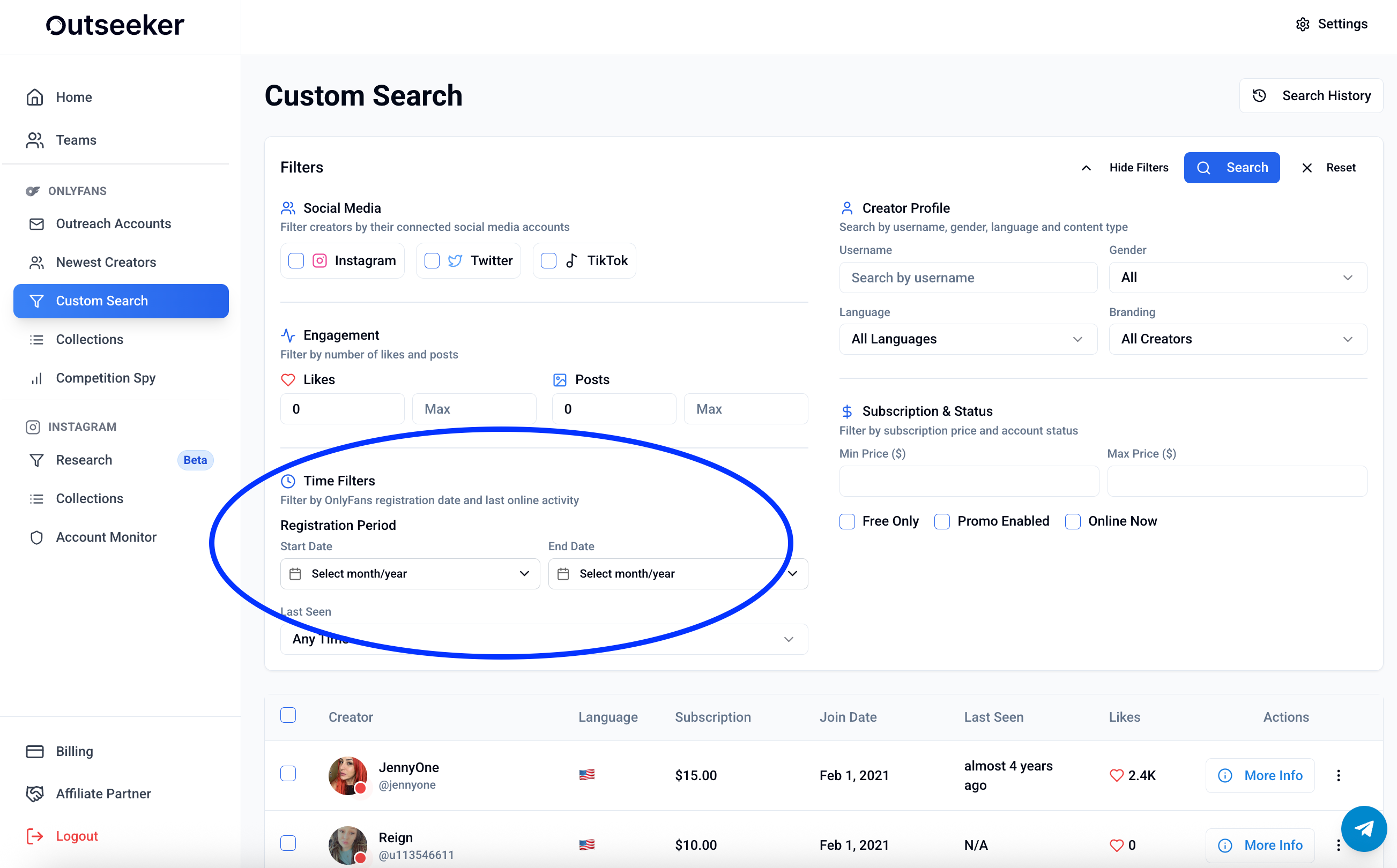
Unlike the Newest Creators tool (which limits results to the last 180 days), Custom Search lets you choose any timeframe in the history of OnlyFans:
Locate the Join Date Range filter.
Enter your desired start and end dates.
Click Search to update results.
🧰 Additional Filters Available
Custom Search includes all filters from the Newest Creators tool, plus the ability to apply them across the full database:
Social Media connections (Instagram, TikTok, Twitter)
Subscription Price (min & max)
Likes Range
Posts Range
Language
Branding (branded vs. unbranded)
Account Filters (Free, Promo Enabled, Online Now)
📄 Step 3: Browse and Take Action
For each creator result, you can view:
Subscription cost
Country
Join date
Likes
Last seen status
Actions → click More Info to open detailed profile data
❓ Need Help?
If you need guidance on using advanced filters or structuring outreach with Custom Search, visit the Support Center or contact us directly from the bottom-right corner of your dashboard.